
AI App Studio
Built with Google Gemini.
Designed with privacy, ethics, and real-world studio workflows in mind.
What is the AI App Studio?
As part of the CEU Certificate Program, you’ll gain exclusive access to the AI App Studio, a community-built toolkit created specifically for designers. This evolving suite of AI-powered design, copy, and workflow tools grows with member input: you request features, test new capabilities, and help shape each monthly update. No extra subscriptions, no tech-stack overwhelm, just one central hub for rendering, mood boards, writing support, project organization, and more. Once the apps are live, simply click the color-coded icon boxes below to open the tool for each topic and explore what’s newly released.
What’s in the AI App Studio Now?
Certificate Program Members Access These Apps Now!


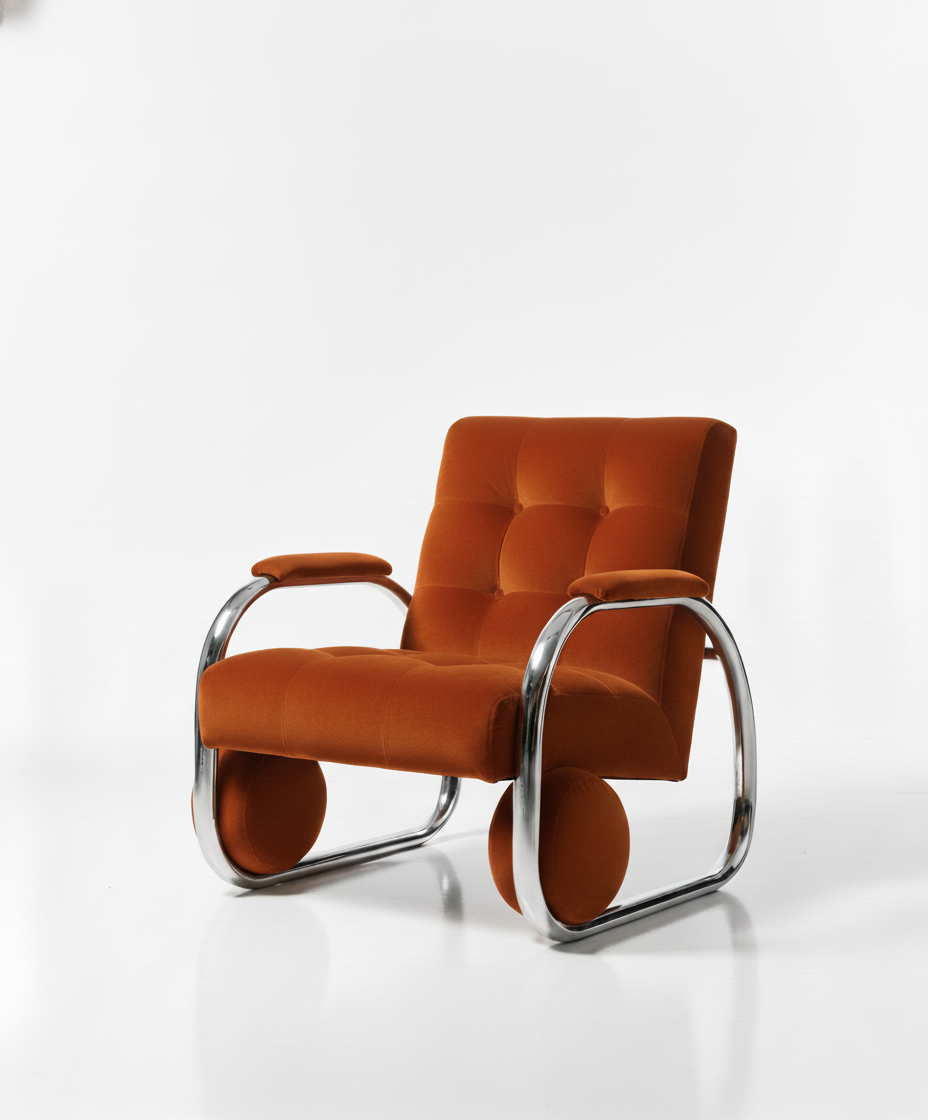
Take a Seat, Designers!
We are taking our industry back.

We build tools together. Ethically created. Industry fueled. AI-Infused. None of your information is stored from the AI Apps in our database (unless undictated). Download your content after each session.
AI Color Palette Builder Apps. Upload your image and get a color palette complete with hex codes, color data and where to check for the closest matching paint and brand. Remix the palette and create a new colorway from your image.

Apps to Repurpose Voice Clips to Content for client briefs, meeting notes, conversations with yourself. Whatever you want to turn into fresh content.

Multinomial Google Gemini App Studio for Design & Business Operations in the Interior Design Industry.

Turn your images into videos with the built-in AI App Studio (daily limits apply per user), powered by the latest generative AI technology.

We take the scary out of prompting. Not sure which program to choose, can't seem to get the right images? Not only will we teach you tricks using the largest AI models out there, the AI App Studio has the tools you need to streamline your business.

You've heard about it, we've got it. Nano-Banana (Google Gemini's image editor) AI powered apps locked inside our professional members area that use the power of Gemini's latest AI technology to show you new ways of doing things.

Community Built- 3D Product Viewers & Generative Modeling Tools

Learn daily with our on-demand, searchable, and chat-enabled AI video training library, featuring real examples of tools and practical instructions for using them. New look and fresh content are coming to (current DAIly membership included) users this January! Stay tuned.

LIVE Instructor Q&A During Every Live Class

AI Apps & Features are built together! Share your ideas and requests, we will collectively create the best AI App Store for our professional industry.

Find and build solutions using AI tools together. Every request brings us closer to a more productive and profitable business flow. Multinomial Google Gemini App Studio for Design & Business Operations in the Interior Design Industry.

Access our chatbot knowledgebase anytime starting in January 2026. The training videos are getting a big end of year update so stay tuned for a new way to interact with our on-demand, real life use case and demo, training videos.

Figure out the right path for your team to utilize AI in an approachable and realistic way.

Check out program FAQ'S Now!

Community support with kindness and inclusion are at the foundation of our values.
Project Inspo Assistant App
The Project Inspo Assistant is a creative tool built for interior designers. It helps you turn your initial ideas, sketches, and branding into professional visuals, mood boards, and animations without needing complex technical skills.
1. Creating Concepts
From Words to Pictures: Simply type a description of your client’s needs, and the app generates a visual for you.
Using Reference Photos: Upload up to 4 of your own images (like sketches or fabric textures) to help the AI understand the specific style or composition you want.
Matching Your Brand: You can provide a link to your online portfolio. The app will study your color palettes and aesthetic style to ensure the new designs match your brand.
Note: Includes a safety check to ensure you only use your own work or work you have permission to use.
2. Specific Design Tools
The app has built-in settings to create four specific types of design assets:
Mood Boards: Creates organized, professional layouts of furniture and decor.
Material Flat Lays: Generates top-down views of material combinations (like stone, wood, and fabric samples) together.
Full Room Renders: Creates photorealistic, luxury interior scenes that look like magazine covers.
Paint Palettes: Creates realistic, textured "paint drop" samples organized into a palette.
3. Editing & Refining
Chat-Based Editing: Change the image by simply asking. For example, type "Make the sofa blue" or "Add a plant," and the app does it.
Spot Fixes: You can draw a box around a specific part of the image to change only that area.
HD Upgrade: A single click sharpens the image and increases the resolution for client presentations.
Quick Shortcuts: Easy buttons to fix lighting or swap materials instantly.
4. Organizing & Saving
Easy Search: Filter your gallery by keywords or view your "Favorites."
Sorting: Arrange projects by newest or oldest.
Flexible Downloads: Save images individually (JPG/PNG) or download your entire current view as a single ZIP file.